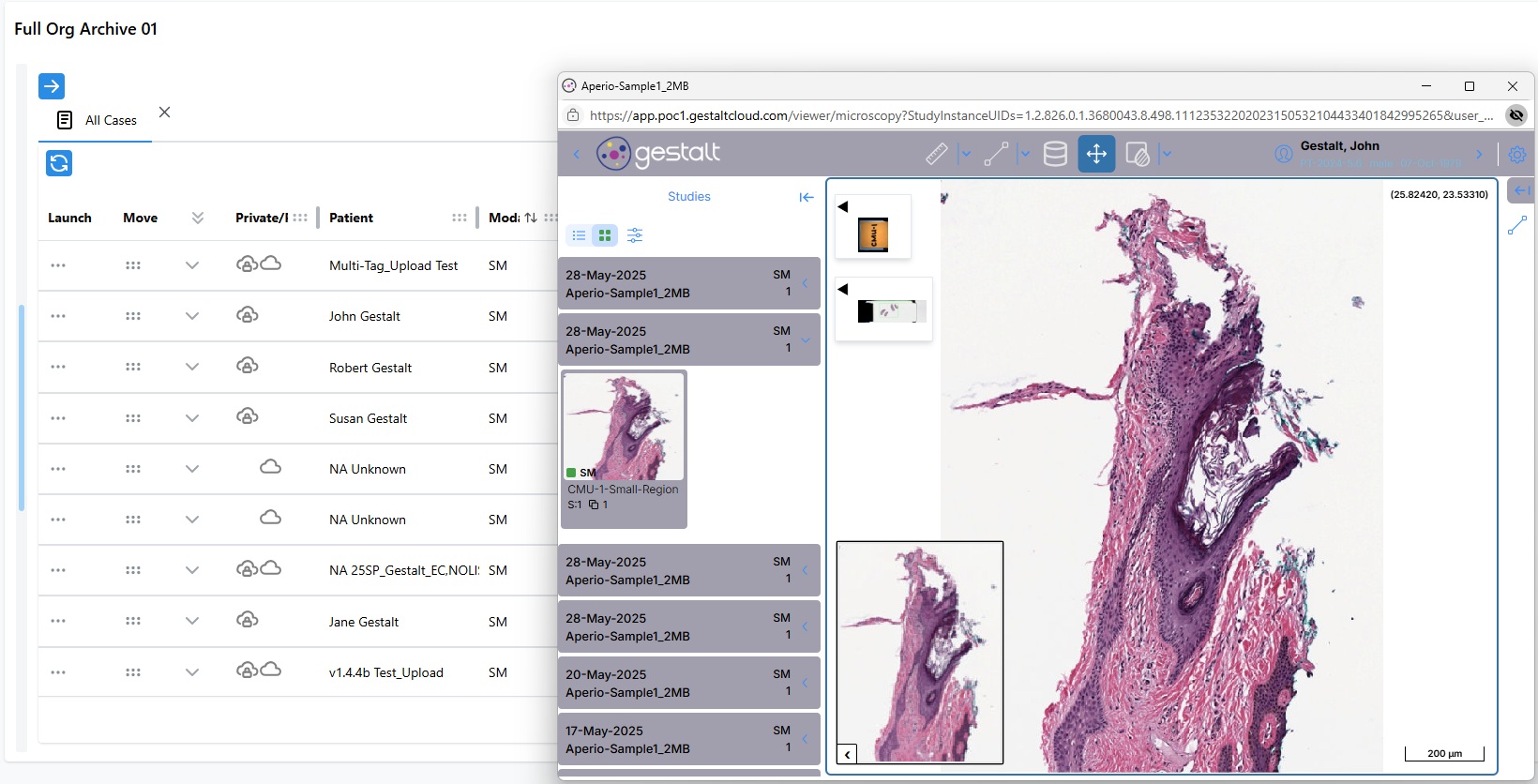
View Images
In addition to storing multiple WSIs in one place, the public and private worklists also serve as an easy platform to launch and view WSIs directly from your web browser.
important
If you do not know how to view a worklist, read Use Image Worklists first before continuing this tutorial.
Open Images From a Worklist
Steps:- Navigate to the PathCloud Worklist of your choosing. For this example the public archive will be used.
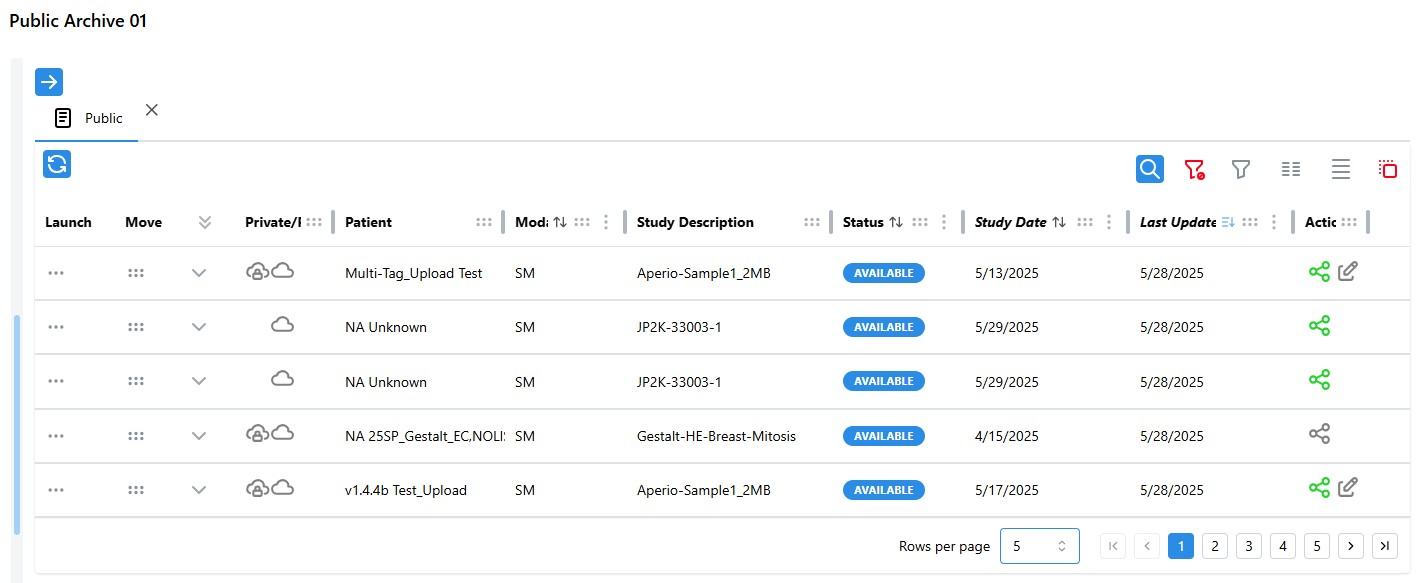
- Double click the record you wish to open to launch it in a new PathCloud Viewer window.
note
You can also click the "Row Actions" button under the "Launch" column on a WSI record to see different viewer tools available for that image.
- The image should now be loaded in a separate "PathCloud" window for viewing.